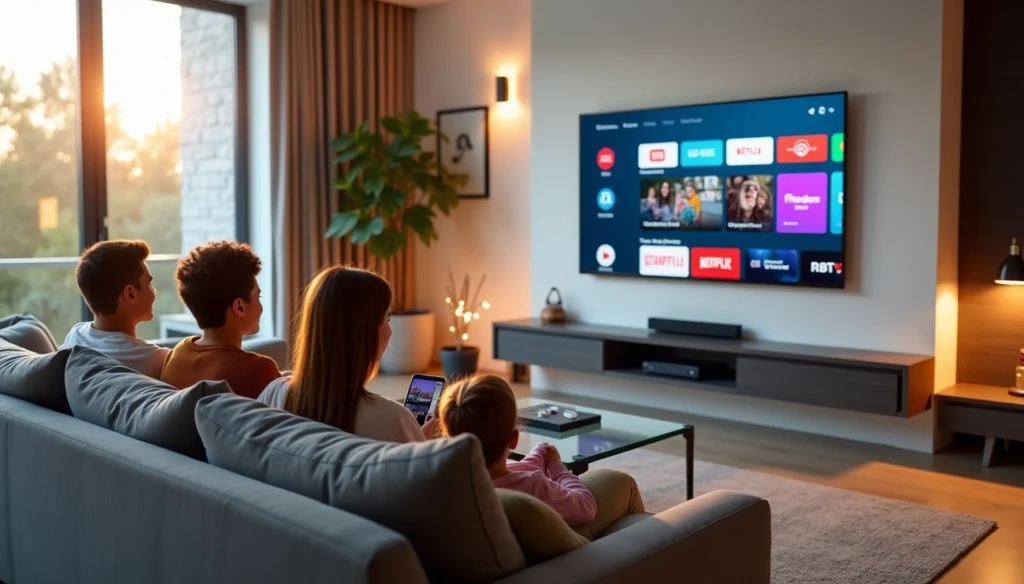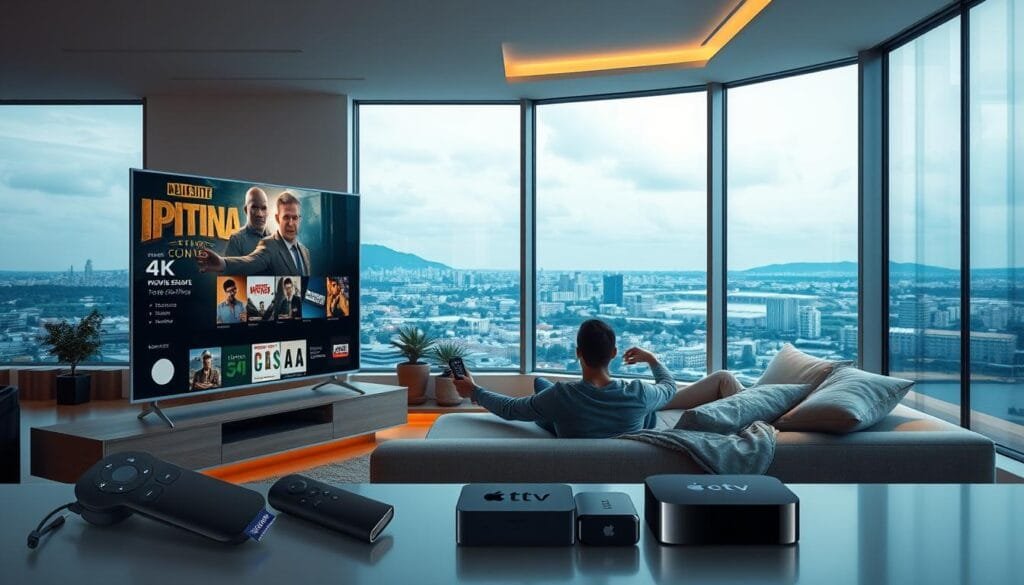
As streaming becomes the primary source of home entertainment, parents face a growing challenge: how to ensure their children access only age-appropriate content. With thousands of live channels and on-demand shows just a click away, IPTV Parental Control isn’t just a convenience—it’s an absolute necessity for modern households.
At Limitless IPTV, we understand this need. We don’t just provide a massive library; we provide powerful IPTV content filtering tools to manage what your family watches while delivering the seamless 4K streaming and buffer-free performance our users expect. This guide explores the best ways to grow your security setup and maximize the potential of your IPTV parental control features.
Don't let a frozen screen ruin the match.
Switch to the World's #1 Premium Server today.
Table of Contents
💡 Key Takeaways for Protected Streaming
- Safety First: IPTV Parental Control is the foundation of a kid-friendly home cinema.
- Granular Control: Effective IPTV content filtering allows for blocking specific categories, not just single channels.
- Performance Matters: Robust security shouldn’t compromise your 4K streaming speeds.
- Proactive Management: Setting up PIN locks and viewing schedules prevents accidental exposure to mature content.
1. The 3 Core Features of Modern IPTV Parental Control
To truly “grow” your security, you need to master these three pillars of IPTV content filtering. These features ensure that your IPTV parental control setup is bulletproof.
A. Advanced Category Locking
Instead of blocking one channel at a time, elite services allow you to lock entire categories. You can hide adult content, sports betting, or violent cinema sections with a single click. This is the highest level of IPTV content filtering available today.
B. Time-Restricted Viewing Schedules
Modern IPTV parental control allows you to set “curfews.” You can program the app to shut down or lock certain premium channels during homework hours or after bedtime, ensuring your children maintain a healthy digital balance.
C. Master PIN & User Profiles
A secure 4-digit PIN is your first line of defense. By creating different profiles within your IPTV parental control settings, you can tailor the experience for a toddler, a teenager, and an adult, each with their own level of IPTV content filtering.
Step-by-Step Guide: Enabling Controls on Limitless IPTV
Limitless IPTV makes safeguarding your family’s viewing simple with an intuitive interface. Follow these steps to activate your IPTV content filtering protocols:
- Log into your Dashboard: Open the app on your Firestick or Smart TV.
- Access Parental Settings: Navigate to ‘Settings’ > ‘Account Management’ > ‘IPTV Parental Control’.
- Set Your Master PIN: Choose a code that’s memorable for you but impossible for children to guess.
- Configure IPTV Content Filtering: * Block channels by age rating (PG, 13+, 18+).
- Hide specific international categories.
- Restrict access to the VOD (Video on Demand) library by genre.
- Enable Live TV Locks: This prevents “channel surfing” into unauthorized live broadcasts.
- Test the Setup: Exit the menu and try to access a blocked channel to ensure the IPTV parental control is active.
Technical Tips for Smoother, Safer Streaming
Security and performance go hand-in-hand. To ensure your IPTV content filtering doesn’t cause lag, follow these technical optimization tips:
Monitor Your Bandwidth
High-level IPTV parental control and 4K streams require a stable connection.
- Speed Test: Ensure you have 25+ Mbps for consistent 4K quality.
- Ethernet Connection: Use a wired connection to minimize buffering during peak household usage hours.
VPN Compatibility & Privacy
If you are traveling, pair your service with a low-latency VPN. This ensures your IPTV content filtering settings remain consistent even when you are accessing your subscription from a different IP address or region.
Comparison: Built-in vs. External Filtering
| Feature | Built-in IPTV Parental Control | Router-Level Filtering |
| Ease of Use | Very High (App-based) | Moderate (Technical) |
| Granularity | Block specific channels | Block entire domains |
| Profiles | Supports multiple users | Applies to the whole network |
| Effectiveness | Elite for Content Selection | Best for time-limits |
Alternative Parental Control Methods
While Limitless IPTV offers robust built-in tools, these supplemental solutions add extra layers of IPTV content filtering:
- Router-Level Security: Use devices like Netgear Nighthawk to block streaming domains at the source.
- Dedicated Kid-Friendly Devices: Amazon Fire Kids Edition comes with pre-loaded IPTV parental control logic.
- Monitoring Apps: Tools like Qustodio can track streaming history and set global screen time limits across all family devices.
Conclusion: Total Peace of Mind in 4K
Modern streaming shouldn’t mean compromising your family’s well-being. With Limitless IPTV’s sophisticated IPTV parental control tools, you gain total precision over content access without losing the 4K clarity and reliability you pay for.
By pairing strategic IPTV content filtering with high-performance hardware, you create a holistic shield for your household. Remember: proactive management today ensures a worry-free entertainment experience tomorrow. Limitless IPTV remains committed to delivering both boundless choice and essential peace of mind for every subscriber in 2026.